


-
Bok’s Newest
Most Popular
Categories
Archives
get bokbluster by email
Be 1st on Your Block to Enjoy Bok's Cartoons!
Trending Tags
Afghanistan Benghazi Biden budget Congress debt debt ceiling Democrats Economy editorial cartoon editorial cartoons 2013 Egypt election eric holder Fannie Mae fast and furious fiscal cliff funny political cartoon gay marriage Harry Reid health care Health care bill Hillary income tax individual mandate IRS jobs Libya nfl Obama obamacare obama cartoon obama cartoons obama political cartoon obama political cartoons pelosi political cartoons 2013 Putin republicans romney senate supreme court syria tea party unemployment

hi Chip,
you are so good. I love Columbia with a cast on her leg too.
love to all,
caroline
The current format for your website has a problem and the images in the section Related Cartoons shows it, if you look carefully.
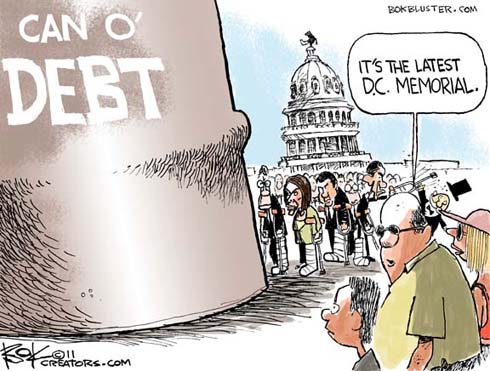
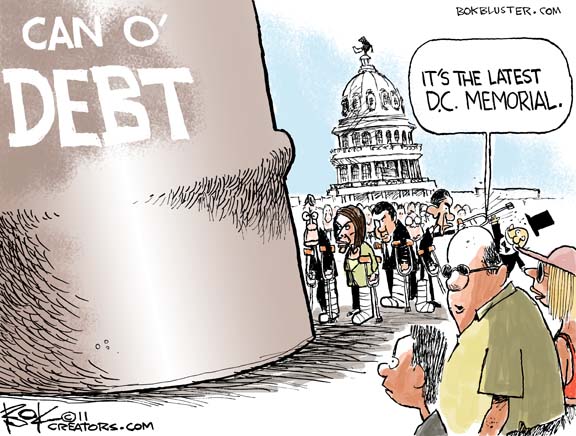
I got your email notifying me of your new cartoon. I clicked on the link and viewed the cartoon, “The Road”. Below, the first cartoon in Related Cartoons is”Kick the Can”. I clicked on that. I was taken to the page with that cartoon. However, part of the image on the right was truncated so I couldn’t read all of the text in the balloon. I was able to find out what it was by clicking on the image and dragging it, which displays a somewhat transparent version, but readable.
In other words, the images displayed in Related Cartoons are shown as roughly square, but the cartoons are actually rectangular, AND and the full-size version is displayed in the same proportions as the thumbnail (truncated).
It doesn’t particularly matter if the thumbnails are square, but you really should display the full-size images in their entirety.
I measured “The Road”, which is displayed at 490×371 pixels (on my computer) and is the same size when downloaded, but “Kick the Can” is displayed at 500×435, however, when downloaded to my computer is 576×436.
How about making the full-size images all the same regardless of how one gets to them?
thanks,
Mike Conlon
Mike,
I changed templates about a month ago and now some earlier cartoons don’t fit when called in. I fixed the problem on this one by resizing the original Can O’ Debt cartoon.
If you find other cartoons with the same prob click the image for a full size version. And please leave a message if you have time.
Thanks for calling this to my attention. – Chip